1800 121 5955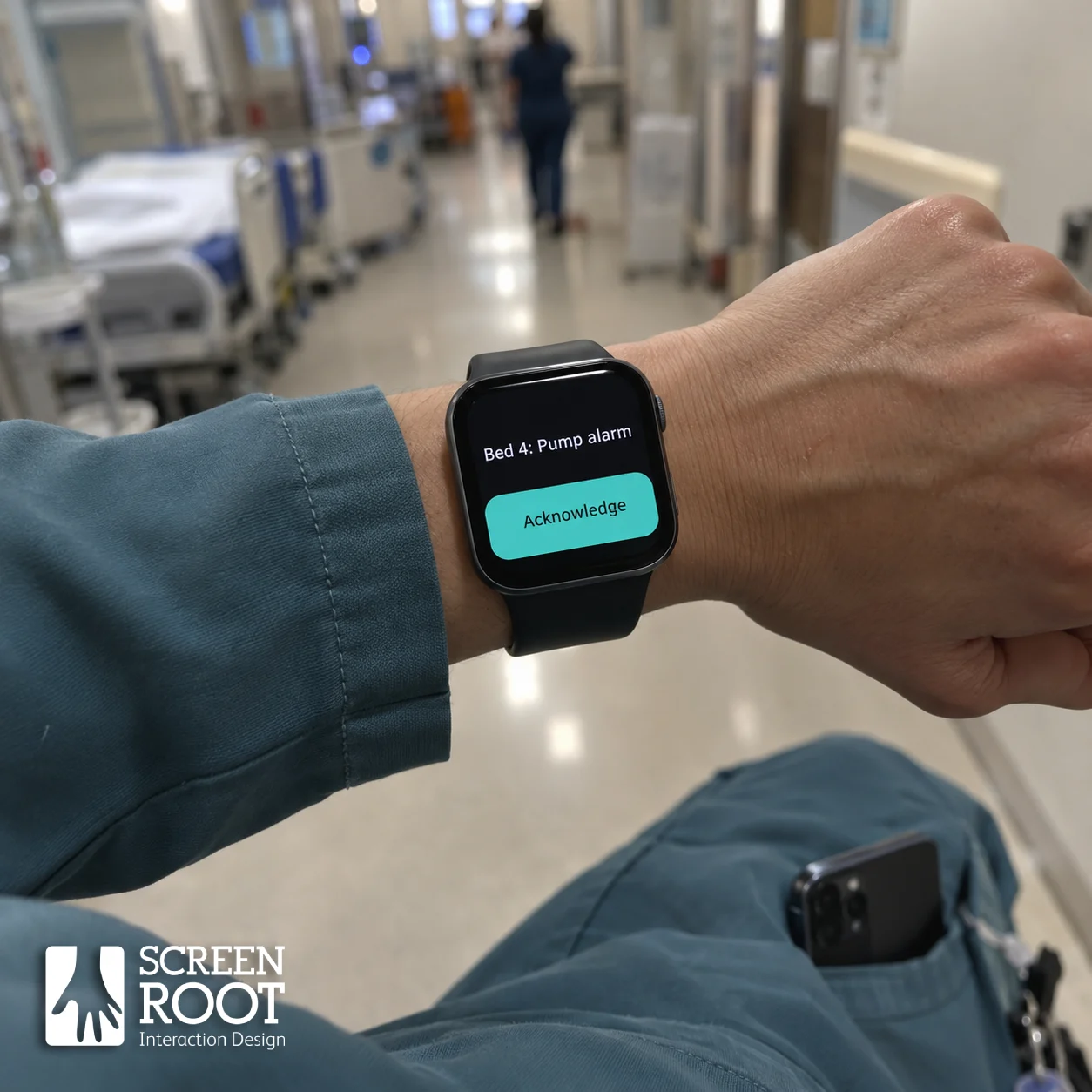
Key Takeaways
- Approximately 30% of users abandon fitness wearables within six months due to cognitive friction.
- The Glanceable Utility Framework restricts interactions to three taps and emphasizes haptic cues.
- Ergonomic constraints like off-axis viewing, motion tremors, and gloved input must dictate UI targets.
- Privacy by design in healthcare demands a two-step notification to prevent shoulder surfing.
- Power optimization requires true black backgrounds and minimized animations for Always-on Displays (AOD).

What is the Strategic Shift to Wrist-First Digital Transformation?
The wrist has become a critical interface in enterprise software. Whether it’s a cardiac nurse checking alerts or a field technician verifying assets, users rely on rapid glances rather than full device engagements. Smartwatch UI design for 2026 focuses on ‘glanceable utility’—delivering one decision-ready piece of information instantly. Products treating the watch as a miniaturized phone are quickly abandoned.
Why Do Users Abandon Smartwatches and Wearables?
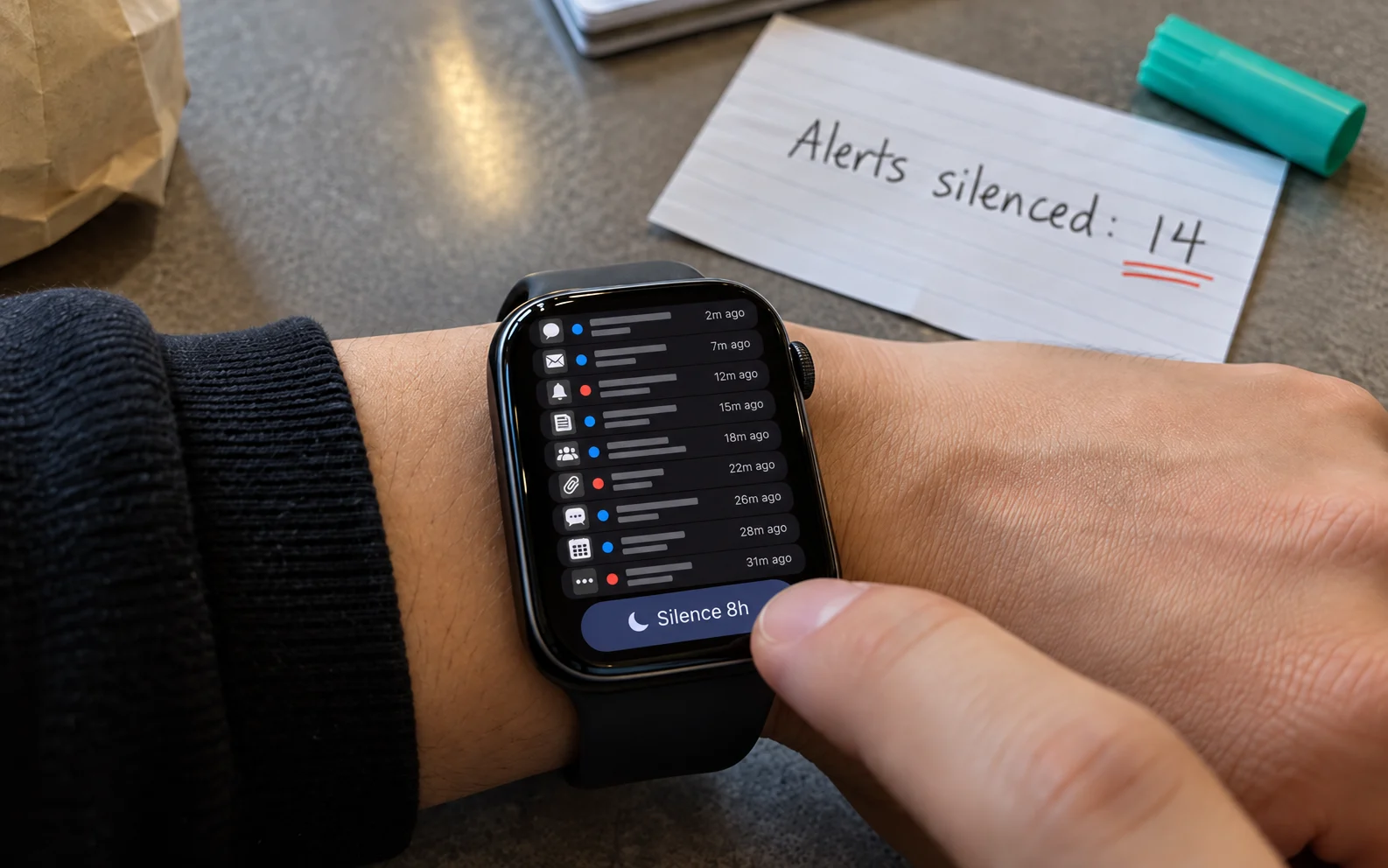
Research indicates approximately 30% of users abandon fitness wearables within six months. In enterprise settings, this manifests as workaround behaviors like silencing critical alerts. The root cause is cognitive friction. On a small screen, any interpretive delay causes frustration. An effective enterprise wearable strategy focuses on reducing the interpretive distance between the screen’s output and the user’s next action.
How Do Ergonomics Affect Smartwatch UI Design?
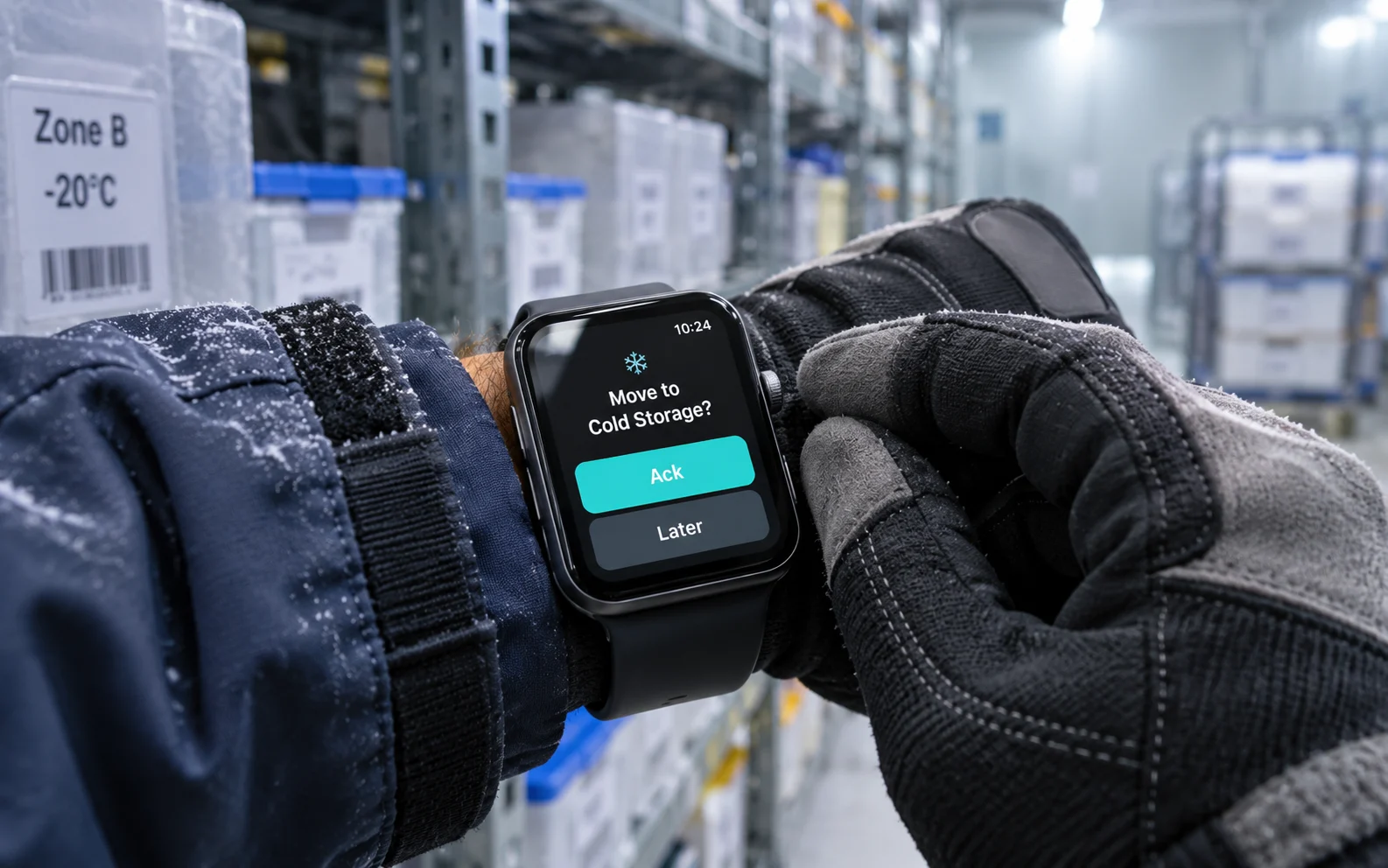
Smartwatches are the only interfaces used continuously in motion. Wearable UX design guidelines must account for awkward viewing angles, glare, and finger occlusion. Targets must be oversized to accommodate motion tremors, and hardware fallbacks (like the crown) are necessary for gloved or wet inputs typical in logistics and healthcare.
What is the Three-Tap Rule for Wearable Interactions?
Users prefer a maximum of three taps during active sessions. Smartwatch interface best practices dictate:
- Discover (Tap 1): Utilize complications and AOD to deliver awareness before a touch occurs.
- Apply (Tap 2): Present a single choice with a clear default action.
- Manage (Tap 3): Provide acknowledgment or escalation, moving complex histories to a larger screen.
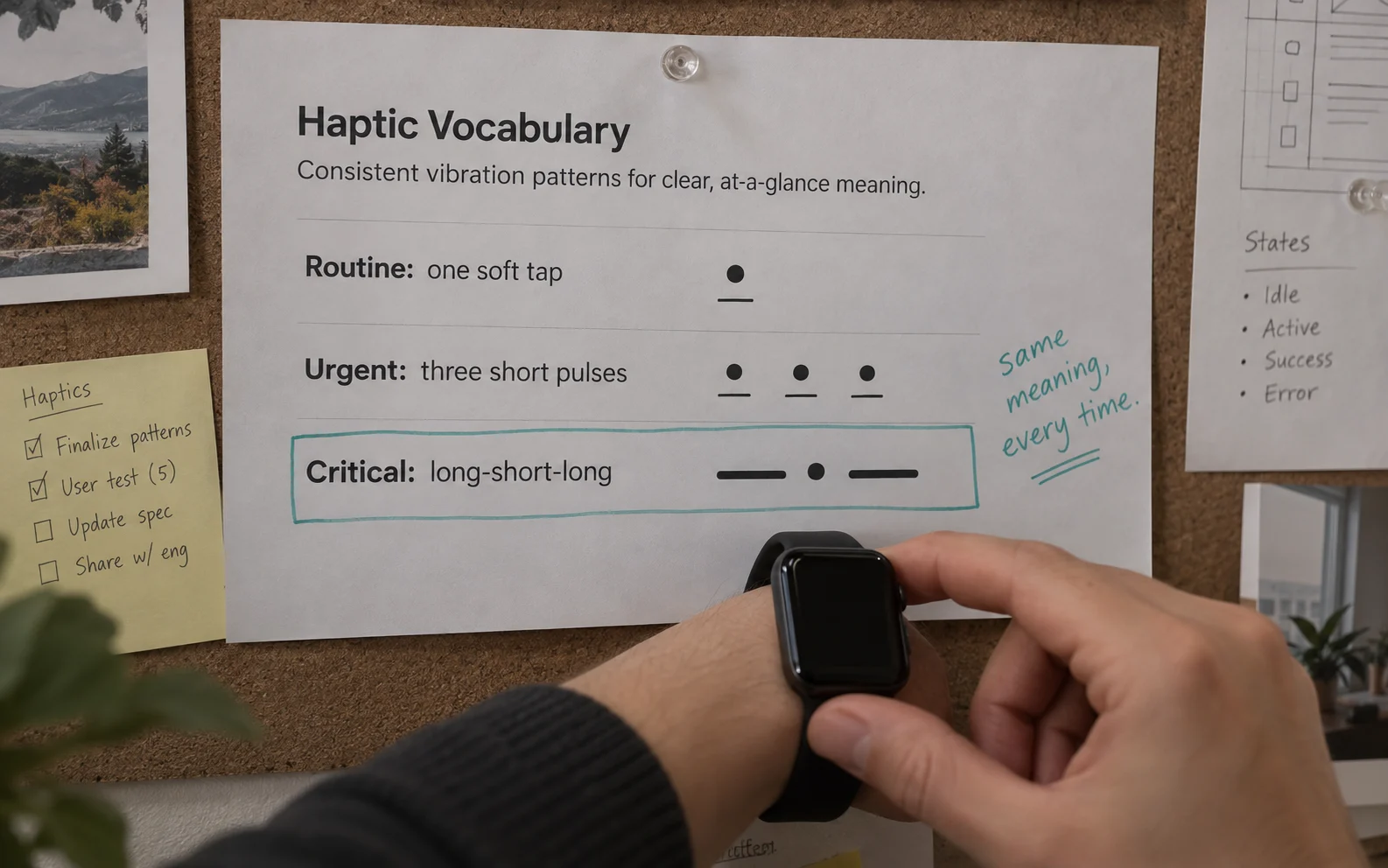
How Should You Design Haptic Feedback for Wearables?
A mature haptic vocabulary functions like a language, allowing users to understand outcomes through touch alone. In regulated environments, silent tactile alerts prevent sensitive information from being broadcasted in public spaces. Consistency in vibration intensity and rhythm prevents notification fatigue.
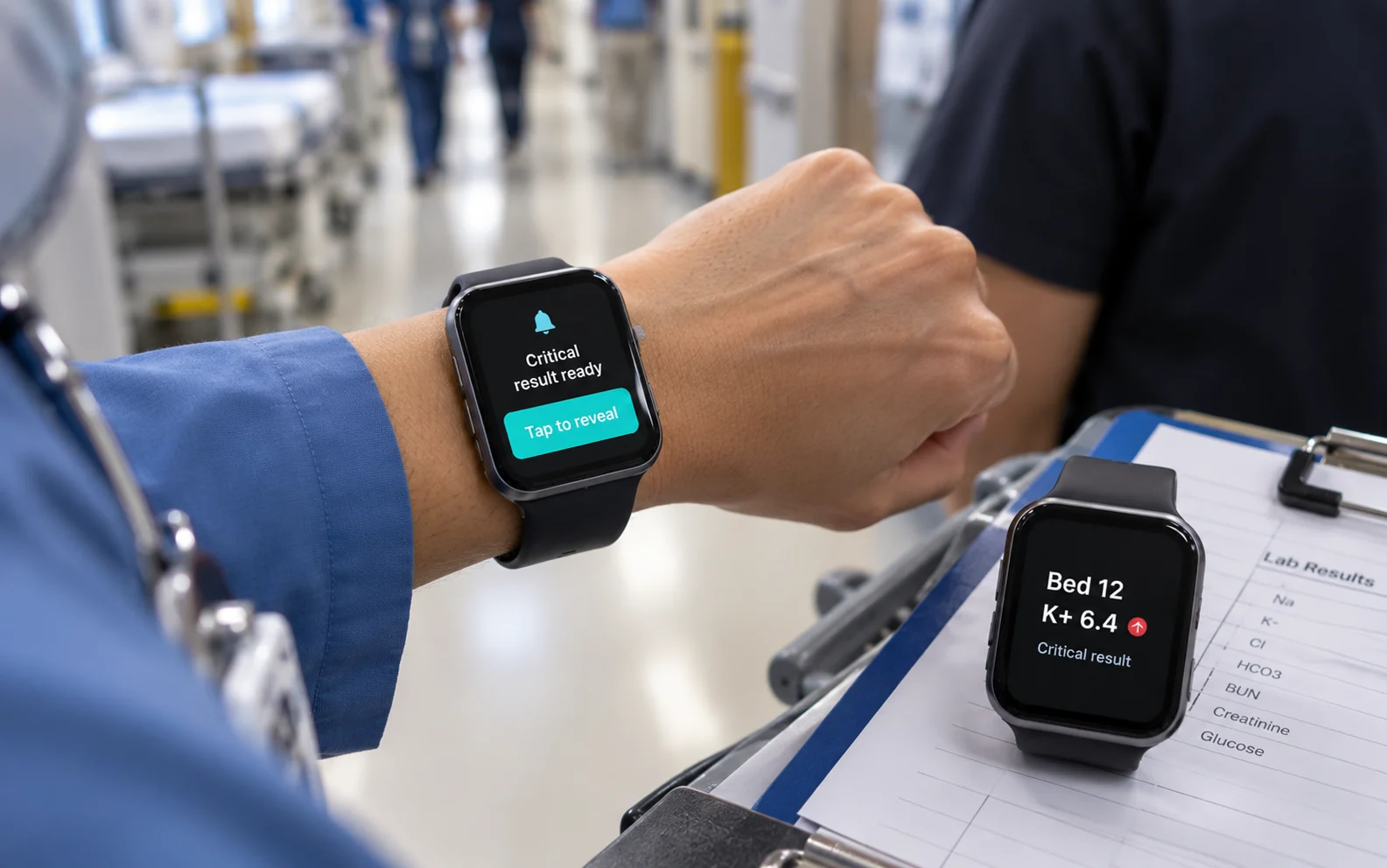
How Do You Build Privacy by Design in Healthcare Wearables?
Wearable design for healthcare requires a two-step notification model to prevent shoulder surfing. Step one delivers a generic haptic and category signal (e.g., ‘Critical result ready’). Step two reveals specific patient data only after a deliberate raise-to-view and tap gesture.
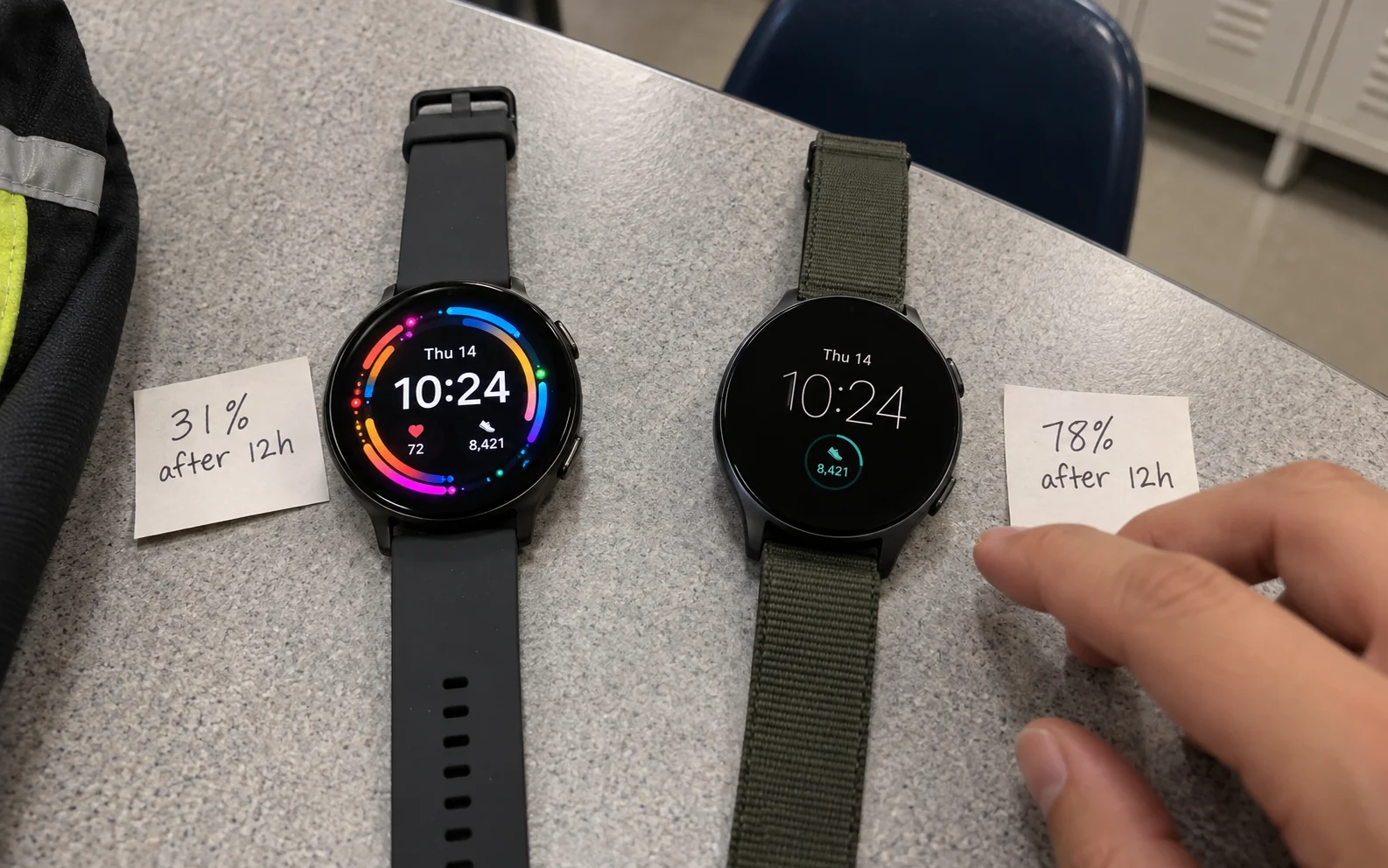
How Do You Optimize Wearables for Always-on Displays (AOD)?
Battery life is a design output. OLED panels draw power for every lit pixel. AOD optimization requires true black backgrounds (#000000), eliminating continuous animations, and dropping refresh rates in idle states. This ensures the device survives full 12-hour operational shifts.
Frequently Asked Questions
What is smartwatch UI design?
Smartwatch UI design is the process of creating highly optimized, glanceable interfaces for wrist-worn devices, prioritizing speed, minimal interaction, and haptic feedback.
What are the best wearable UX design guidelines?
Best practices include limiting tasks to three taps, designing for motion tremors and off-axis viewing, using true black for power efficiency, and relying heavily on a structured haptic vocabulary.
How does wearable design for healthcare handle patient privacy?
Healthcare wearables use a two-step notification system where a generic alert is shown first, and sensitive patient data is only revealed after a deliberate user gesture.
What is the Glanceable Utility Framework?
It is a design constraint ensuring every wearable screen answers one question instantly, requires minimal taps, and communicates state via haptics before pixels.
Written by Team ScreenRoot. 16+ years leading enterprise UI/UX research for BFSI, SaaS, and Healthcare clients.
When you’re ready, let’s talk.
📞 Call us (Toll-Free): 1800 121 5955 (India)
✉️ Email us: [email protected]